






Digital dentistry has completely transformed the way restorations are made — from the way teeth are scanned to how they're designed, milled, and delivered.
At the center of this transformation lies the CAD/CAM workflow: a digital bridge that connects every step of modern dental production.
Whether you're in a dental clinic or a high-volume lab, understanding how this workflow operates is key to improving accuracy, speed, and efficiency.

Step 1: Data Acquisition — The Digital Impression
Every successful CAD/CAM workflow starts with accurate digital data.
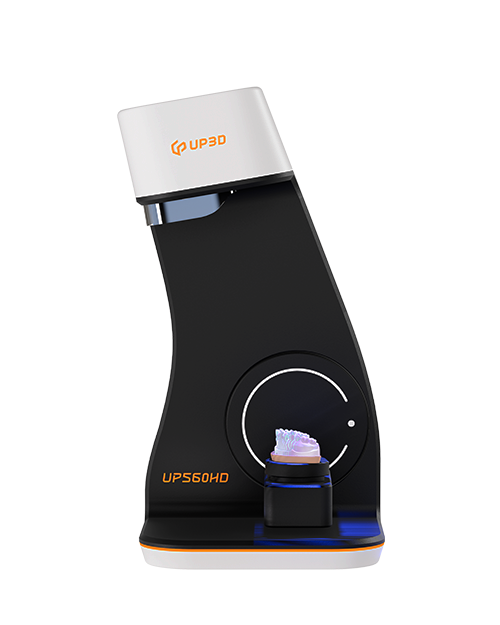
This is where intraoral scanners or lab scanners come into play.
Instead of using traditional silicone impressions, digital scanners capture the 3D structure of a patient's teeth and gums within seconds.
The result is a precise digital model that can be viewed, edited, and shared instantly — without the distortions or delays of physical molds.
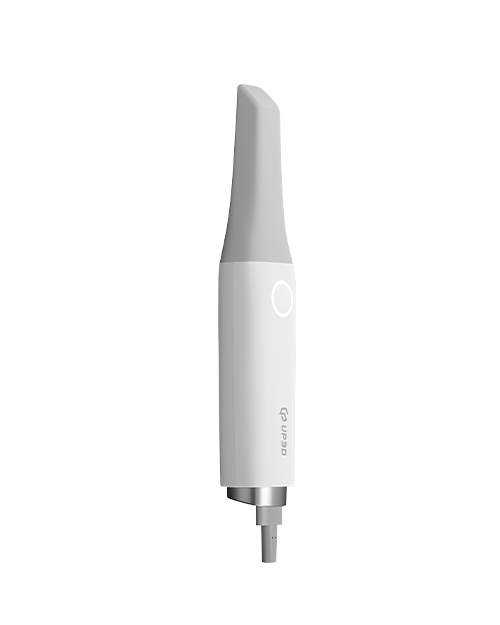
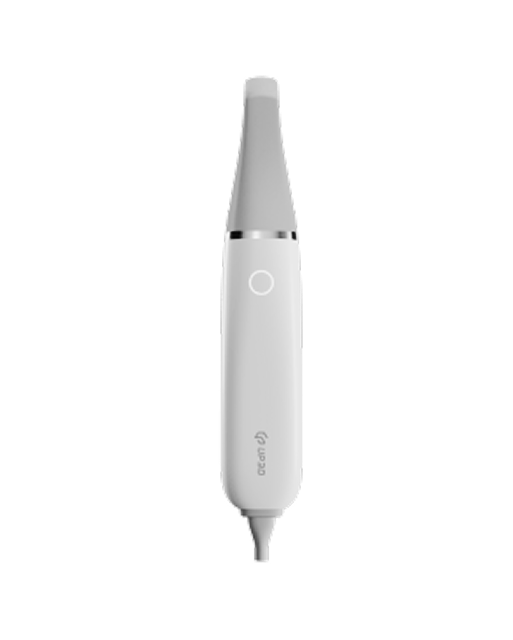
With devices like UP3D's UP610, clinicians can achieve clear surface detail and accurate bite alignment, laying a solid foundation for the entire workflow.
Step 2: Design — Turning Scans into Restorations
Once the digital impression is complete, it's imported into dental CAD software.
Here, technicians or dentists design the restoration — whether it's a single crown, bridge, veneer, or full arch prosthesis.
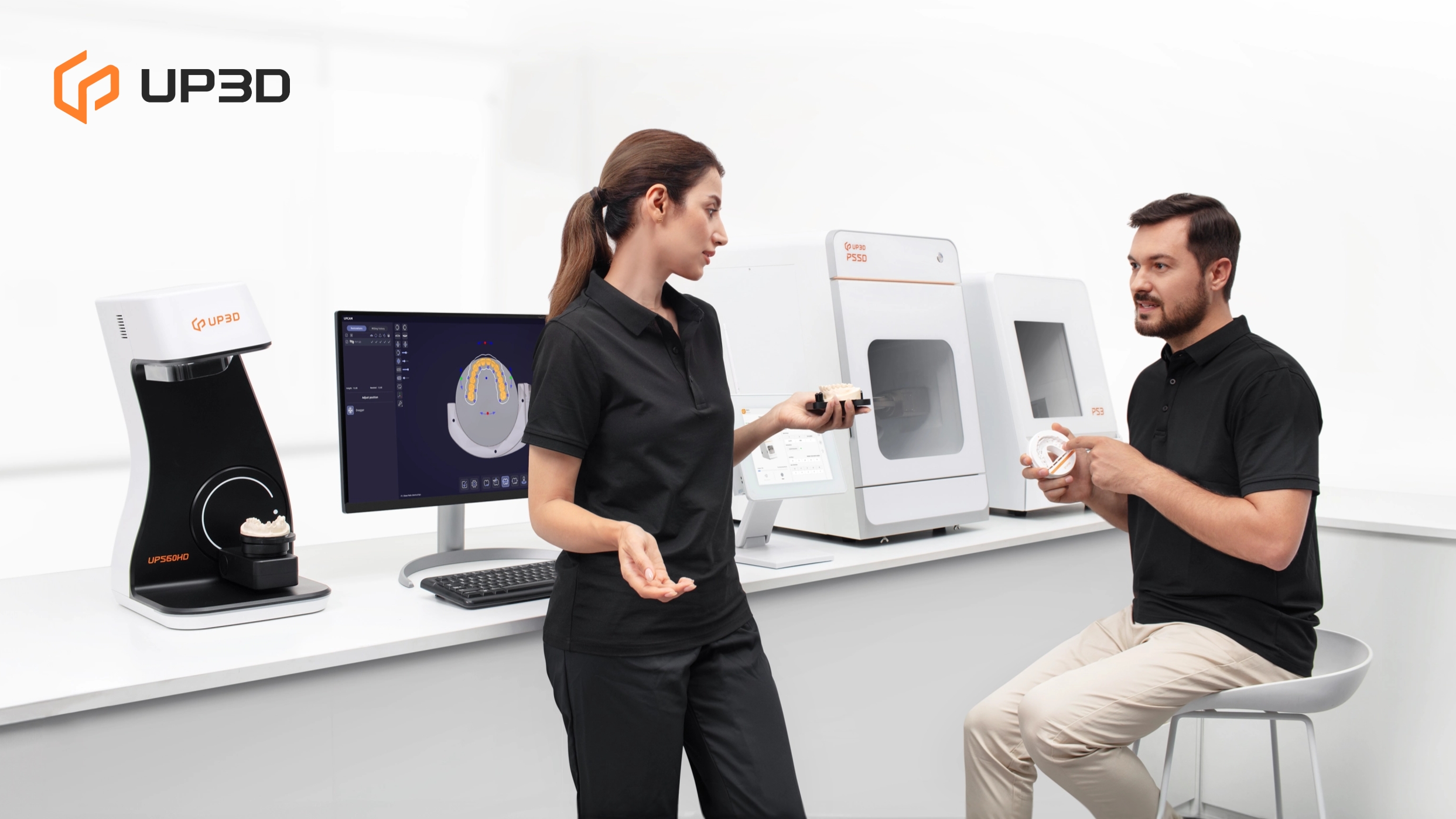
Modern CAD platforms, such as UPCAD, allow intuitive modeling with precise margin marking, automatic anatomy suggestions, and real-time occlusion checks.
AI-driven tools further accelerate the process, helping users achieve both speed and esthetic precision.
A well-designed digital model ensures that every restoration fits perfectly, both functionally and aesthetically.
Step 3: CAM and Nesting — Preparing for Milling
The next stage is CAM (Computer-Aided Manufacturing) — where the digital design is converted into toolpaths that a milling machine can follow.
Using software like UPCAM 2025, users can define the material type, block size, and tool strategy. The CAM software automatically optimizes milling paths to ensure minimal material waste and maximum accuracy.
This process, known as “nesting,” determines how restorations are positioned within a disc or block before cutting begins — a critical step that affects both efficiency and surface quality.
Step 4: Milling and Production
Once the nesting file is ready, it's sent to the dental milling machine.
This is where digital design turns into a physical restoration.
Depending on the setup, this can involve dry milling (for zirconia, wax, or PMMA) or wet milling (for glass ceramics or composites).
High-end machines such as UP3D's P53 and P55D use advanced 5-axis control, smart servo systems, and intelligent calibration to produce restorations with micrometer-level accuracy.
Some systems even allow unattended overnight milling, giving labs 24/7 production capabilities and increasing daily output.
Step 5: Finishing, Sintering, and Quality Control
After milling, zirconia restorations are sintered to achieve their final strength and color.
Other materials may require polishing or glazing.
In this stage, quality control ensures that margins, contact points, and occlusion meet clinical standards.
Because every stage of the CAD/CAM workflow is digital, adjustments can be made instantly, and designs can be archived for easy reproduction in the future.
The Benefits of a Fully Digital Workflow
Switching from traditional methods to a fully digital CAD/CAM workflow offers numerous advantages:
-
Higher precision — fewer fit adjustments and remakes.
-
Faster turnaround — restorations in hours, not days.
-
Better communication between clinics and labs.
-
Consistent results — less variability, higher reliability.
-
Data storage and traceability — every case can be retrieved and reviewed anytime.
For many dental professionals, the shift to digital isn't just about keeping up with technology — it's about improving patient experience and business performance.
UP3D: Connecting Every Step of Digital Dentistry
At UP3D, every product is designed to seamlessly connect the full CAD/CAM workflow.
From the UP610 intraoral scanner to UPCAD design software, UPCAM toolpath strategies, and P-series milling machines, each component is built to integrate intelligently.
The result is a system where scanning, designing, and milling work as one — efficient, automated, and consistently precise.
Digital dentistry is no longer the future — it's the standard.
And with the right ecosystem in place, you can transform how your clinic or lab works, from design to production.


