






Manual disc loading might seem harmless. It’s what most dental labs have done for years: check the job, find a disc with matching color and thickness, assign the position, double-check the stock, and pray nothing was mislabeled. But in reality, this seemingly simple task costs far more time — and materials — than most labs realize.
If you’re still relying on spreadsheets or memory to track which disc is where, or if your technicians are manually choosing materials for every job, it’s time to rethink the process. With today’s caseloads and shrinking turnaround times, manual nesting isn’t just outdated — it’s inefficient.
Here’s how a smart material management system can change that.
Why Manual Disc Selection Holds Labs Back
Let’s look at what actually happens in a traditional workflow.
You’ve just finished designing a batch of cases. Now someone has to:
-
Open each file and check the restoration’s color, size, and type
-
Cross-reference available discs to find a suitable match
-
Manually load that disc into the changer or machine
-
Hope no mix-ups occur during the disc switch
-
Recalculate nesting if a disc isn’t usable
And if your nesting strategy doesn’t match the disc thickness? You'll either have wasted material — or worse, failed jobs.
These steps add up. In a mid-sized lab processing 30 to 50 units a day, this can easily burn 1 to 2 hours of technician time — every single day. It also introduces human error: selecting the wrong shade, mismatched thickness, poor disc utilization.
And in fast-paced labs running overnight shifts or unattended workflows, manual disc handling becomes a bottleneck that no amount of staffing can fully fix.
The Smart Alternative: Automatic Material Management
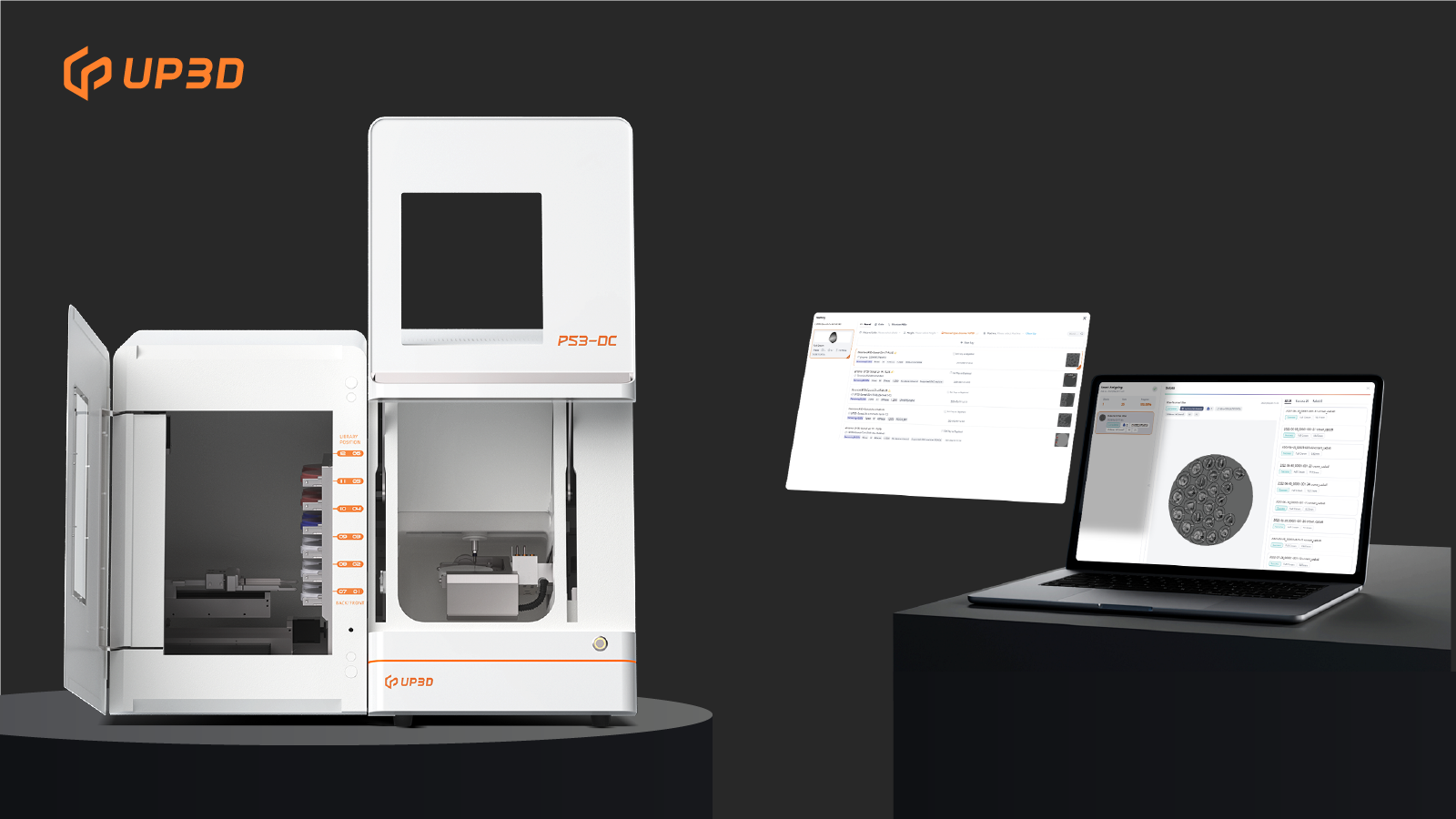
UP3D’s intelligent material management system—Smart CAM, was built to solve exactly these problems — not just by automating disc loading, but by fundamentally rethinking how materials are selected and matched.
With this system, each disc is digitally tracked. The software recognizes:
-
Disc type and thickness
-
Color and material type
-
Remaining usable height
When you import a design file, the system automatically identifies the best-matched disc based on the restoration’s needs. It then directs the changer to load the appropriate slot, aligns the nesting, and prepares the milling job — all in the background.
What used to take 5-10 minutes per case now happens in seconds. And because the system avoids disc conflicts and ensures optimized nesting, material usage improves by 15-20%, especially on multilayer zirconia and expensive hybrid blocks.
What It Looks Like in Practice
At a lab in southern China, a team running a UP3D P53DC mill with 12-disc changer reported a major shift after enabling smart material management.
Before:
-
Each technician handled nesting manually
-
Material waste from disc mismatches exceeded 20% per month
-
Overnight jobs required someone on-site to verify disc loads
After:
-
Nesting and disc assignment became fully unattended
-
Restorations were auto-classified and grouped by material and strategy
-
Monthly disc usage dropped — and output increased without extra staff
One of the senior technicians summed it up: “Now we just import the jobs. The system does the thinking.”
Why This Matters More Than Ever
Digital dentistry isn’t slowing down. Labs are expected to do more — faster — without raising costs. That’s only possible when your CAM system works as smart as your CAD team.
UP3D’s solution integrates smart nesting, intelligent disc search, and automatic matching into a single streamlined process. Instead of tasking your technicians with finding a needle in a haystack of discs, it gives them the best-fit option instantly.
And the results speak for themselves: more consistency, less waste, fewer mistakes, and a fully unattended workflow that actually works.
Still handling materials manually?
It may not seem like a big deal — until you realize how much time and zirconia you’re losing each week.
Let your machines manage your materials. Your team’s time is better spent where it really counts — on quality.


